
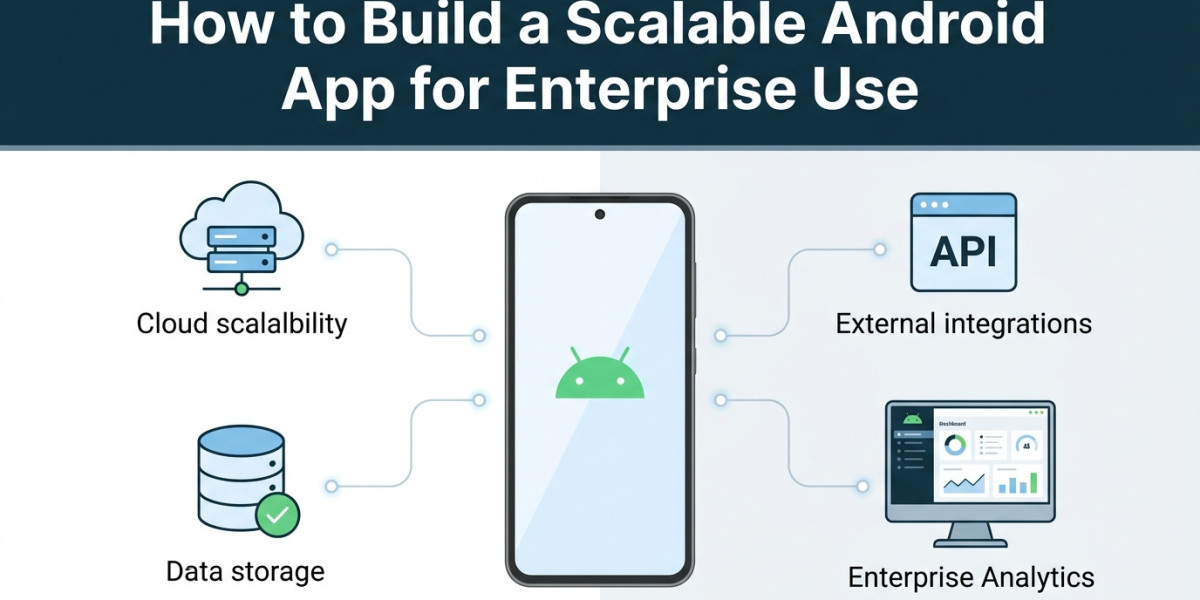
Enterprise apps need to support more than a growing number of users. They must handle changing business needs, large data volumes, different devices and strict security requirements. A scalable Android app should remain stable as the organization grows. This requires careful planning from the architecture stage through deployment and maintenance. The goal is to build a strong technical foundation that can support new features without creating performance or maintenance problems.
Start With a Clear Enterprise App Architecture
A scalable Android app starts with a well-planned architecture. The application should separate the user interface from business logic and data access. This makes the code easier to maintain as new features are added. A modular architecture can also help different development teams work on separate parts of the application without creating unnecessary dependencies. This becomes important when an enterprise product grows into a large platform with many workflows and integrations.
The backend architecture also needs to support growth. APIs should be designed to handle increasing traffic and large data requests. Cloud services can help organizations scale computing resources based on demand. Caching can reduce repeated requests while background processing can keep heavy operations away from the main user interface. These decisions help maintain consistent performance as usage increases.
Design for Different Android Devices
Enterprise users may access an application from phones, tablets and other Android form factors. Screen sizes and hardware capabilities can vary significantly across devices. Android recommends adaptive interfaces that can respond to different screen configurations. This allows a single application to provide a suitable experience across multiple device types.
Device compatibility should also be considered when selecting libraries and hardware features. An unnecessary hardware requirement can prevent some devices from installing the application. Android recommends making optional features optional when they are not essential to the core experience. This can help increase application availability across supported devices.
Build Security Into the Application
Security should be part of the application architecture from the beginning. Enterprise applications often process customer information, employee data and business records. Authentication should use secure identity systems while sensitive information should be protected during storage and transmission. Access controls should also make sure employees can access only the information required for their role.
Enterprise Android deployments can use Android Enterprise capabilities for device management and policy enforcement. Organizations may need controls for company-owned devices or work profiles. Android provides enterprise APIs that support security policies and device administration requirements.
Optimize Performance From the Start
Performance becomes increasingly important as an enterprise app grows. Large databases, complex screens and frequent network requests can affect responsiveness. Developers should monitor memory usage and keep expensive work away from the main thread. Android reports an Application Not Responding event when the user interface becomes unresponsive for too long. The input dispatch timeout can occur after five seconds.
Google also recommends Baseline Profiles for improving application performance. Android documentation states that Baseline Profiles can improve code execution speed by about 30% from the first launch. They can help optimize common actions such as application startup and navigation.
Memory planning is becoming even more important for modern Android applications. Android 17 introduces per-app memory limits that are expected to expand across more device configurations. Apps that use excessive memory can face slowdowns or termination.
Plan APIs and Integrations Carefully
Enterprise apps rarely work as isolated products. They often connect with CRM systems, ERP platforms, payment services, analytics tools and internal databases. APIs should use clear contracts and consistent error handling. Versioning is also important because backend changes should not unexpectedly break older app versions.
A scalable integration layer makes future changes easier. Instead of connecting every feature directly to every external system, developers can use well-defined service layers. This reduces dependencies and makes it easier to replace or upgrade individual systems as business requirements change.
Test for Real Enterprise Conditions
Testing should cover more than basic functionality. Enterprise applications need testing across supported Android versions and device configurations. Developers should test slow networks, limited memory, background activity and large data sets. Automated testing can reduce regression issues as new releases are introduced.
Android also provides Firebase Test Lab with physical and virtual devices for application testing. This can help teams identify compatibility and performance issues before wider deployment.
Prepare for Long-Term Maintenance
Scalability also depends on how easily the application can evolve. Code should follow consistent standards and dependencies should be reviewed regularly. Monitoring should track crashes, ANRs and performance issues after deployment. These insights help development teams identify problems that may not appear during internal testing.
Android is also introducing new compatibility requirements. For example, apps targeting Android 15 and higher must support 16 KB memory page sizes on 64-bit devices for Google Play. Starting February 1, 2027, updates that do not support this requirement will not be eligible for release.
Conclusion
Building a scalable enterprise Android app requires planning across architecture, security, performance, integrations and maintenance. The application should be designed to support changing business needs rather than solving only today's requirements. Strong testing and continuous monitoring can help teams maintain reliability as usage grows. Businesses that need experienced support can work with AppDevelopment for Android App Development Services that align with their enterprise requirements and long-term product goals.






